

Black Friday Shopify store checklist 2026: get ready for the biggest sales weekend

Updated at
19.11.2026
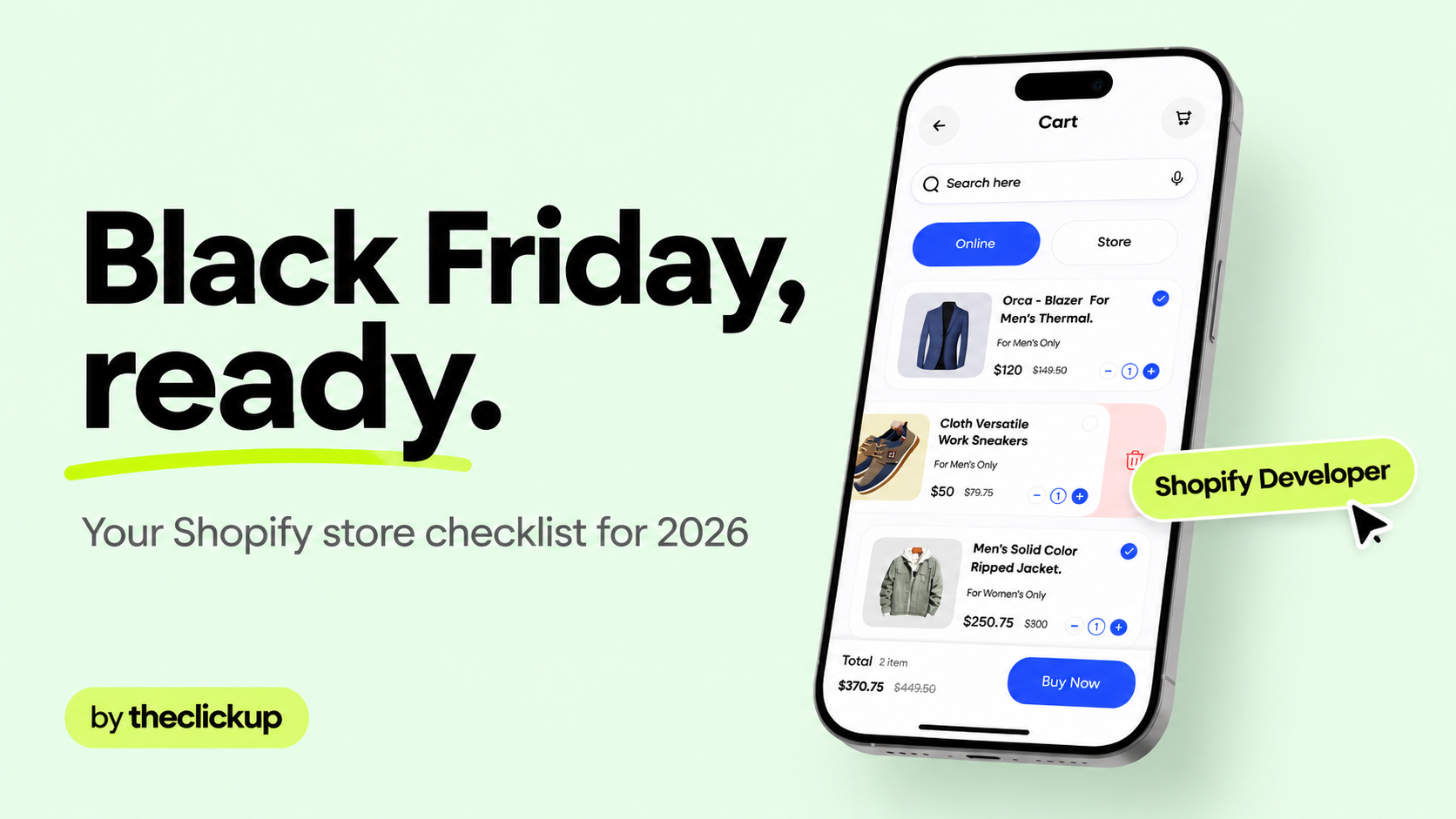
Black Friday is Friday 27 November 2026 — and the stores that win it are ready weeks before. This checklist covers the speed, checkout, ads and email work that actually moves sales on the biggest weekend of the year.
This checklist is practical, not theoretical: every item below is something to do, with a deadline. Work through it in order and your store will be ready before the traffic arrives.


1. The short answer: what to fix before 27 November
Shopify reported $11.5 billion in sales across Black Friday Cyber Monday 2024 — the traffic is real, and it punishes stores that are not ready. Most stores lose Black Friday sales to the same five things: slow pages, a checkout that breaks under load, bestsellers that sell out, ads that point at a store that is not ready, and no email or SMS ready to recover the carts. The short answer: fix speed and checkout first, then Meta Ads creative and email and SMS flows, then inventory and offers. The checklist below is the order to do it in, before Friday 27 November 2026.
- Speed first — compress images, remove dead apps, and test the store on a real phone on a slow connection. A slow store loses the sale before the offer is even seen.
- Checkout second — run a real test order end to end, including discount codes and express wallets. If checkout breaks on Black Friday, nothing else matters.
- Meta Ads creative ready early — prospecting and retargeting ads, plus a product catalog that is actually in sync. Ads launched the night before never perform.
- Email and SMS flows — abandoned cart, back-in-stock and VIP early access, tested and scheduled before the weekend starts.
- Inventory and bestsellers — know what will sell out, set stock limits, and decide the backorder plan before customers ask.
- Offers and CRO — one clear offer, bundles and free-shipping thresholds that are easy to understand at a glance.
If any of these point away from your first choice, listen to them. The wrong agency fit costs more than the wrong agency price — usually in months, not dollars.
2. The checklist at a glance
| Area | Do it by | What to do |
| Speed | This week | Compress images, remove dead apps, test on a real phone. |
| Checkout | This week | Test order end to end, discount codes, express wallets. |
| Meta Ads | 2 weeks before | Creative ready, catalog synced, prospecting + retargeting live. |
| Email & SMS | 2 weeks before | Abandoned cart, back-in-stock and VIP early access flows tested. |
| Inventory | 2 weeks before | Bestseller stock set, limits on, backorder plan decided. |
| Offers & CRO | 1 week before | One clear offer, bundles, free-shipping threshold live. |
| Analytics | Before launch | Tracking, discount codes and UTM links checked end to end. |
3. Speed and checkout: the two things that lose the most sales
Every Black Friday post-mortem says the same thing: the stores that lost money lost it at speed and checkout, not at the offer. Fix these two first and the rest of the checklist gets easier.
Speed — compress, remove, test on a real phone
Compress every hero and product image, remove the apps you no longer use, and load the store on a real phone on a slow connection. If a product page takes more than a few seconds to feel usable, fix that before you write another ad.
Checkout — run a real test order, then run it again
Place a real test order with a discount code, pay with an express wallet, and refund it. Then do it again on mobile. A checkout that works on desktop and breaks on mobile is the most expensive bug a Shopify store can ship into Black Friday.
Product pages — stock, bundles and trust, at a glance
Every bestseller page should show stock, the offer, and the bundle in one glance — no scrolling to find the price. Add a low-stock note where stock is genuinely low, and a clear delivery date so customers buy with confidence.
4. Meta Ads and email: the traffic that actually buys
Meta Ads should be live at least two weeks before Black Friday, with prospecting creative and retargeting audiences built from real store visitors — ads launched the night before never perform. Your product catalog must be in sync, or the ads will show products that are out of stock. Email and SMS do the recovering: abandoned-cart, back-in-stock and VIP early-access flows, tested and scheduled before the weekend. And the store and the ads are one funnel at theclickup — the same team builds the Shopify store and runs the Meta Ads, so the offer, the creative and the landing page match instead of fighting each other.
If you want to see the full-funnel work in practice, look at our Meta Ads services page — and how the store behind the ads is built on our Shopify store design & development page.
5. How to run the final week before Black Friday
Run the final week in this order. Each day has one job — do it, check it, move on:
- Monday 23 November — freeze and test — no new apps or theme changes. Run the full test order, check tracking and discount codes, and confirm stock counts.
- Tuesday 24 November — ads live — prospecting and retargeting campaigns on, catalog synced, budgets set. Check every ad lands on the right product page.
- Wednesday 25 November — email and SMS ready — VIP early access sent, abandoned-cart and back-in-stock flows tested, support replies drafted for the questions that always come.
- Friday 27 November — monitor, do not rebuild — watch checkout, stock and ad spend through the day. Fix what breaks; do not launch new changes mid-sale.
The most common mistake is choosing on reputation alone. A short call with both teams tells you more than any list — and it costs an afternoon, not a quarter.
Not sure which fits your brief? Ask us to scope the same brief — we will tell you honestly if we are not the right team.
Not sure your tracking is ready? Run the checks above first — or ask us to audit the launch before you spend.
Final thoughts
Black Friday rewards the stores that prepared, not the stores with the biggest discount. Speed, checkout, ads and email — in that order — are what turn Black Friday traffic into Black Friday sales. theclickup builds Shopify stores and runs the Meta Ads around them, so if your store is not ready and the weekend is close, that is exactly the work to scope now.
Start with the test order and the phone test today. If those two pass, the rest of the checklist is a week of steady work — and a weekend that pays for it.
FAQ
When is Black Friday 2026?
Black Friday 2026 is Friday 27 November 2026. Cyber Monday follows on Monday 30 November 2026. Start the checklist at least two weeks before — speed, checkout, ads and email cannot be fixed the night before.
How much does it cost to get a Shopify store ready for Black Friday?
It depends on the store: a speed and checkout audit is a small job, a full redesign and Meta Ads setup is a project. Shopify Plus starts at $2,300/mo, as listed by Shopify, and a custom theme build runs $20,000–$60,000, as reported by US agencies. theclickup prices projects individually, scoped to the brief — ask for a quote on the same brief and compare like for like.
When should I start my Black Friday Meta Ads?
At least two weeks before Black Friday, with prospecting creative and retargeting audiences built from real store visitors. Ads launched the night before never perform — the learning and the catalog sync both need time.
What should I check first on my Shopify store before Black Friday?
Speed and checkout, in that order. Load the store on a real phone, then place a real test order with a discount code on mobile. If either fails, fix it before you spend another dollar on ads.
Read more

 advantage

 Book a call

Fill out the form
or brief with questions



 LinkedIn
 Instagram
Welcome to The ClickUp privacy notice.
The ClickUp respects your privacy and is committed to protecting your personal data. This privacy notice will inform you as to how we look after your personal data when you visit our website (regardless of where you visit it from) and other sites we own and operate. And tell you about your privacy rights and how the law protects you.
We may change the privacy policy from time to time to reflect changes to the products and services that we provide and how we process your personal data.
We will not share your information with any third party outside of our organization, other than as necessary to fulfil your request if any."
INFORMATION WE COLLECTWhen you visit our website, our servers may automatically log the standard data provided by your web browser. This data is considered “non-identifying information”, as it does not personally identify you on its own. It may include:
- Your computer’s Internet Protocol (IP) address;
- Your browser type and version;
- The pages you visit;
- The time and date of your visi;
- The time spent on each page;
We may ask for personal information, such as your name and email address. This data is considered “identifying information”, as it can personally identify you. We only request personal information relevant to providing you with a service, and only use it to help provide or improve this service.
We collect information by fair and lawful means, with your knowledge and consent. We also let you know why we’re collecting it and how it will be used. You are free to refuse our request for this information, with the understanding that we may be unable to provide you with some of your desired services without it.
We will only process personal data and communicate with you if:
1. You have given us consent to the processing of your personal data and communicating for one or more specific purposes i.e. requesting products or services from us, downloading material or information from our website or submitting a contact us form.
2. Performance of a contract
3. Where we have a legitimate interest for contacting you in relation to our products and services
DATA PROCESSING AND STORAGEWe only retain personal information for as long as necessary to provide a service, or to improve our services in future. While we retain this data, we will protect it within commercially acceptable means to prevent loss and theft, as well as unauthorised access, disclosure, copying, use or modification. That said, we advise that no method of electronic transmission or storage is 100% secure, and cannot guarantee absolute data security.
Rights and choices of individuals:
- See what data we have about you, if any;
- Change/correct any data we have about you;
- Have us delete any data we have about you;
- See what security measures we apply to your data;
- Express any concern you have about our use of your data;
You may opt out of any future contacts from us at any time. You can do the following at any time by contacting us via the email address given on our website: theclickup.com
Got questions or want to discuss a project?


